
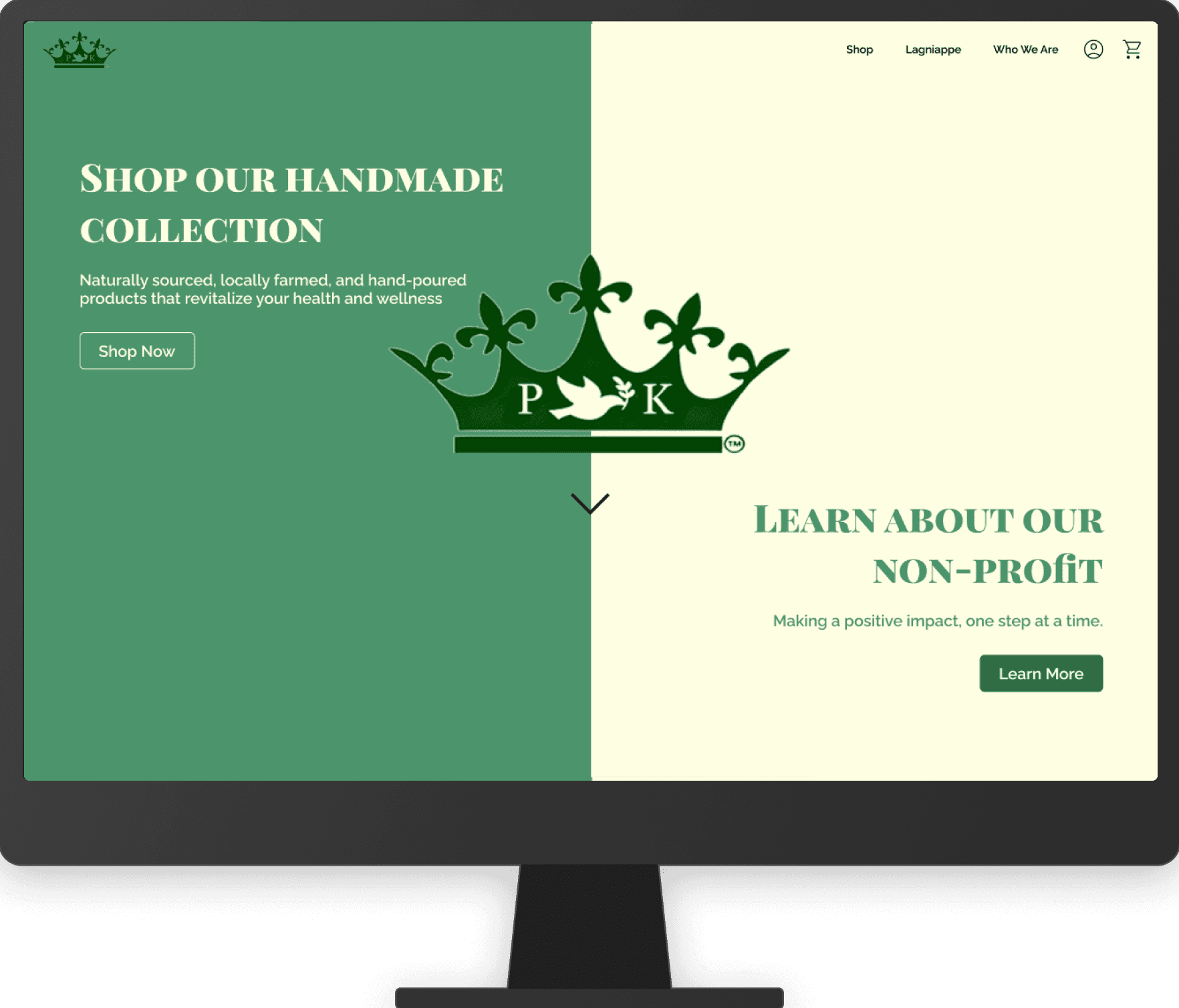
Visually representing a small business through their website.
Role: Project Manager, UXPA Penn State Chapter
Tools: Excel, Power Automate, Figma
Timeline: 6 week sprint, October/ November 2024
Overview
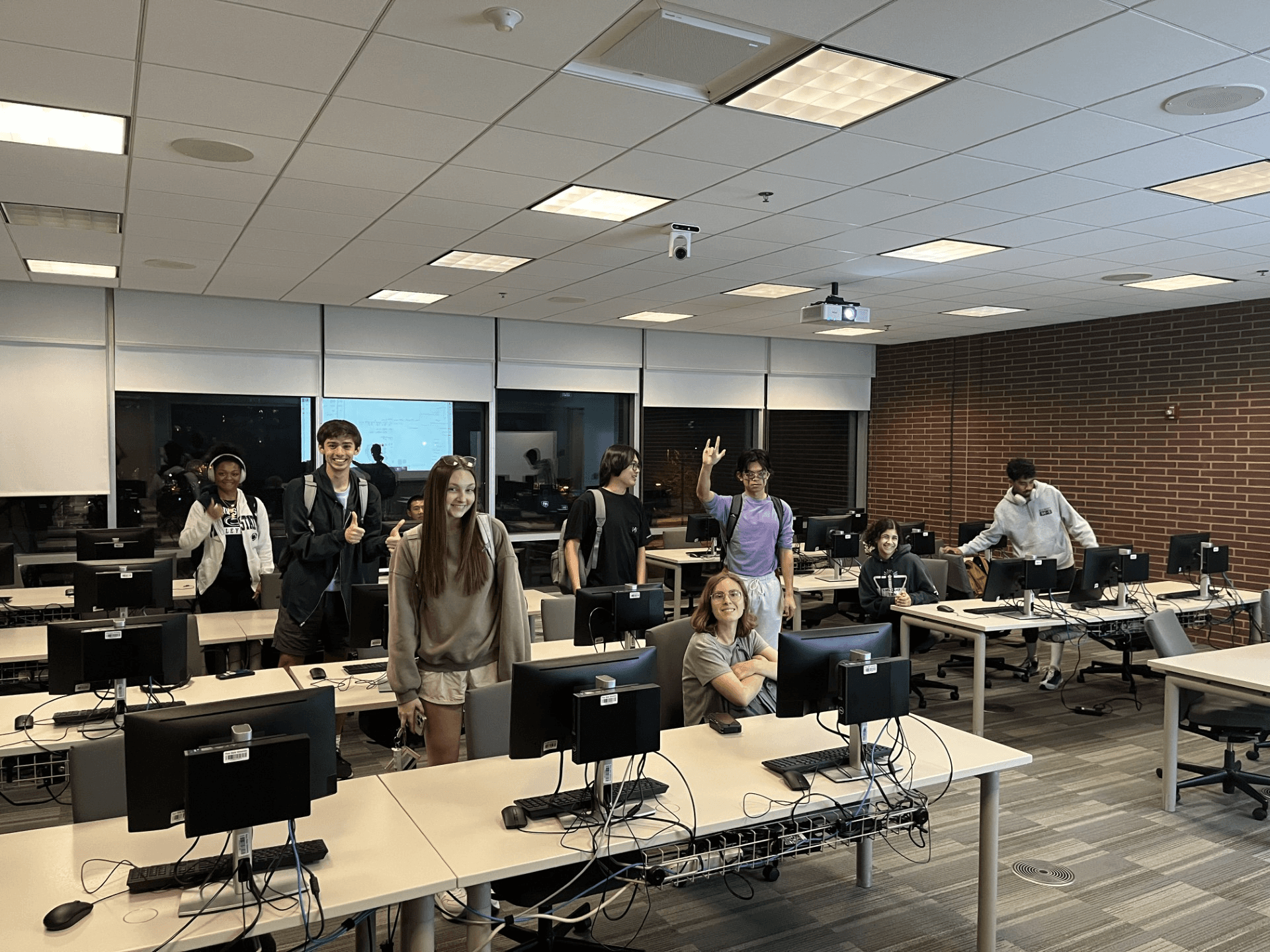
We are.. UXPA Penn State!
We are the only collegiate chapter of the User Experience Professionals Association, hosting career development workshops, Figma sponsored events, and design projects.
As project manager, I love leading a team of passionate student UX designers through empathy, equity, and spirit.
Our Client: Peaceful Kingdom Farms
Organized a 6-week design sprint to enhance the digital customer experience for Peaceful Kingdom Farms, a local health and hygiene business.
Timeline
Design Thinking Model
Week 1: Empathize
Week 2: Define
Week 2 & 3: Ideate
Week 4, 5, & 6: Prototype
Week 6+:
Test
Rationale: The Design Thinking Model aligns very well with the Human-Centered Design courses here at Penn State. Many of our members are in the introductory course for HCD, which traverses the Design Thinking Model throughout the semester. As a learning assistant for that course, I decided to pace this project alongside what is taught in the classroom to ensure everyone is onboard with concepts and project deliverables.
Week 1: Empathize
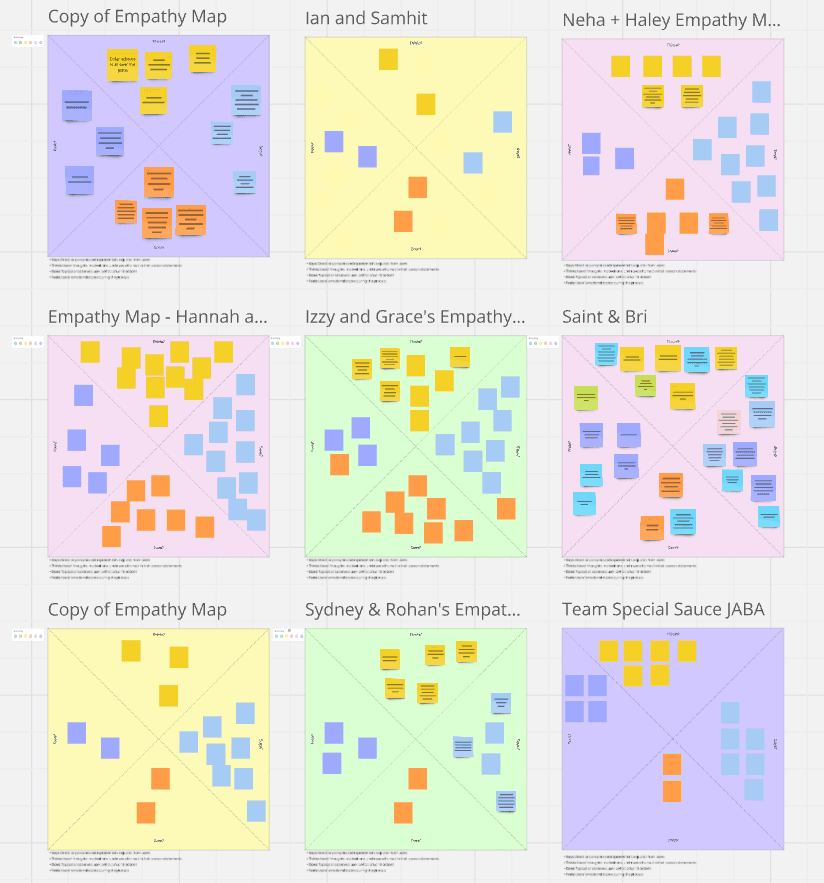
Empathy Maps
About: Empathy maps allow us, the designers, to understand the user’s goals and frustrations when using the website through direct observation.
Team Activity: In our first project meeting, we grouped everyone into pairs, consisting of a User and an Observer. The User would navigate the old website and vocalize their thoughts and design critiques. The Observer would take note of the User’s thoughts, words, actions, and emotions.
Rationale: I chose this activity as it gave everyone some real experience directly observing a target user navigate a website. It also encouraged new members to communicate with each other about design (an ice-breaker in disguise). The deliverable helped uncover important user pain points and stylistic issues with the current website, setting a solid foundation to launch the project.
Week 2: Define & Ideate
Problem Statement
Based on the business needs of Peaceful Kingdom Farms and our findings from the empathize stage, we agreed on the following problem statement:
“Peaceful Kingdom Farms needs a website that visually represents their mission of making a positive impact through their products and non-profit, Lagniappe. The current website’s inconsistent aesthetic and poor usability negatively affect the customer’s experience when interacting with the brand. This inhibits business growth and appeal with the Gen-Z audience they hope to attract.”
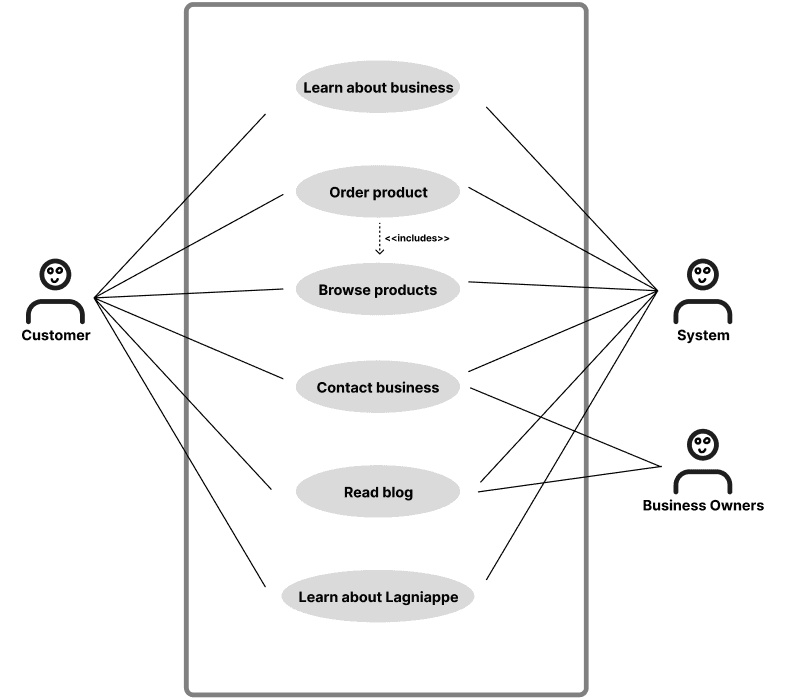
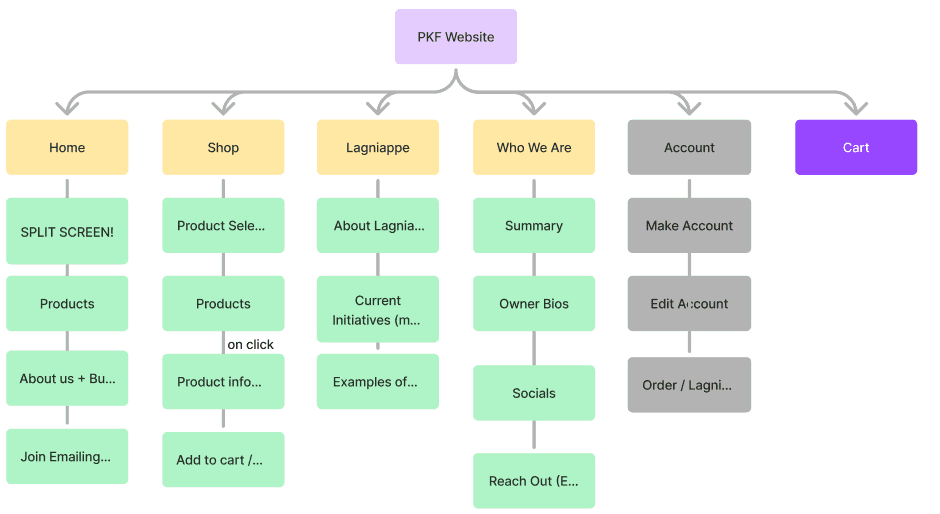
Use Case Diagram + Site Map
About: Use case diagrams organize what use cases the website should support, and site maps list what pages the website should have (based on use cases) and the information architecture of each page.
Team Activity: In groups, we brainstormed use cases that the website needs to support. We converged on one use case diagram to guide the rest of the project. To support each use case, we created a site map organizing the high-level architecture for the website.
Rationale: The business communicated that their current website is too scattered with too many activities, and our use case diagram narrowed down on the important activities the website needs to support. The site map sets a foundation for what information should be shown on the website, and how it should be structured. Both the concepts were recently taught in the HCD course, saving us time from needing to explain the purpose of each deliverable to new members.
Week 3: More Ideate
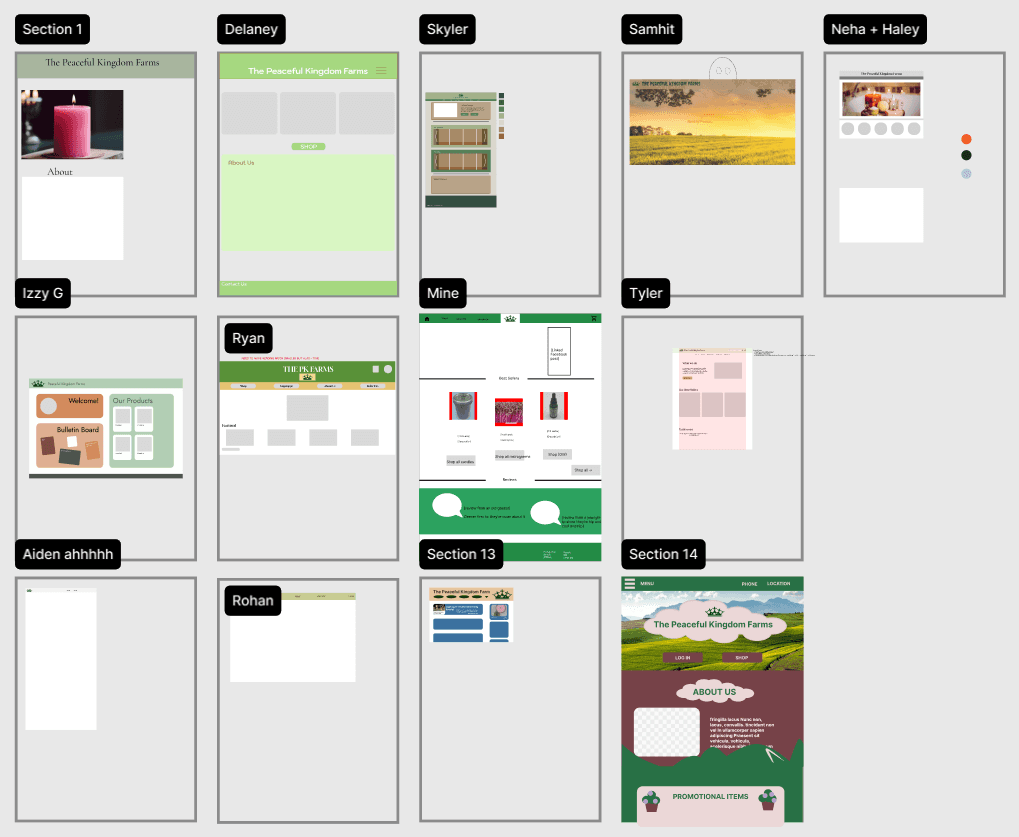
UXPA Gut Designs
About: Gut designs are a UXPA Penn State tradition where we have everyone individually (or collaboratively) design the homepage based on their own gut. There are no right or wrong designs, only putting ideas to the canvas.
Team Activity: Started with individually hand drawing Gut Designs of the home screen to get everyone’s ideas on paper. Then, we all made our Gut Designs in Figma. Ended the meeting by opening the floor for feedback on everyone’s designs.
Rationale: Peaceful Kingdom Farms gave us the flexibility to design the entire UI from scratch, including colors scheme and fonts. This activity enabled everyone to share their unique ideas on these design patterns, resulting in alternatives to critique and converge on going into the prototype stage. Additionally, this activity encouraged constructive feedback for everyone’s designs, fostering an environment where no opinion is excluded.
Week 4: Prototype
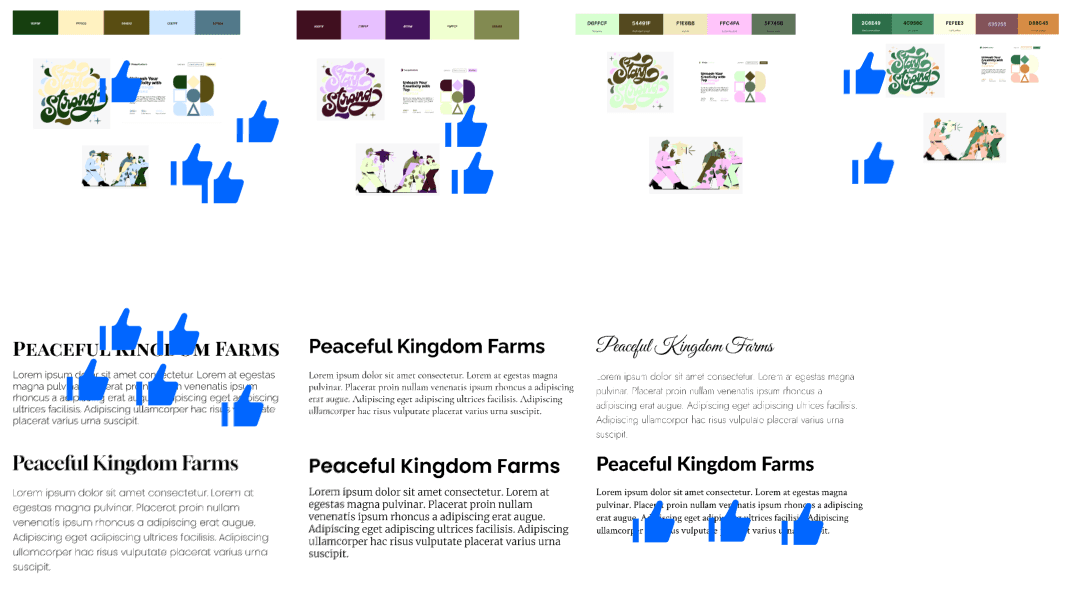
Choosing Themes
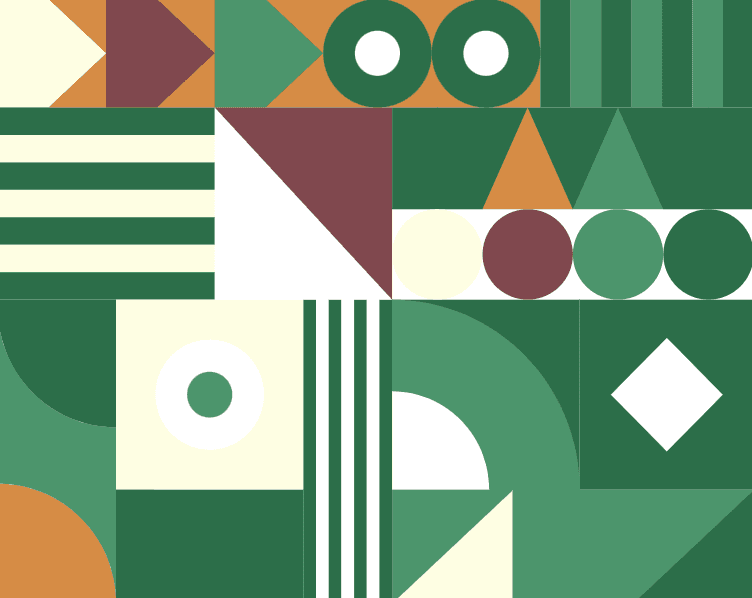
Team Activity: Using themes from our Gut Designs, I gathered possible color schemes, fonts, and UI components for the team to choose from. As a team, we voted, modified, and finalized themes that best aligned with the story we were trying to tell.
Design System
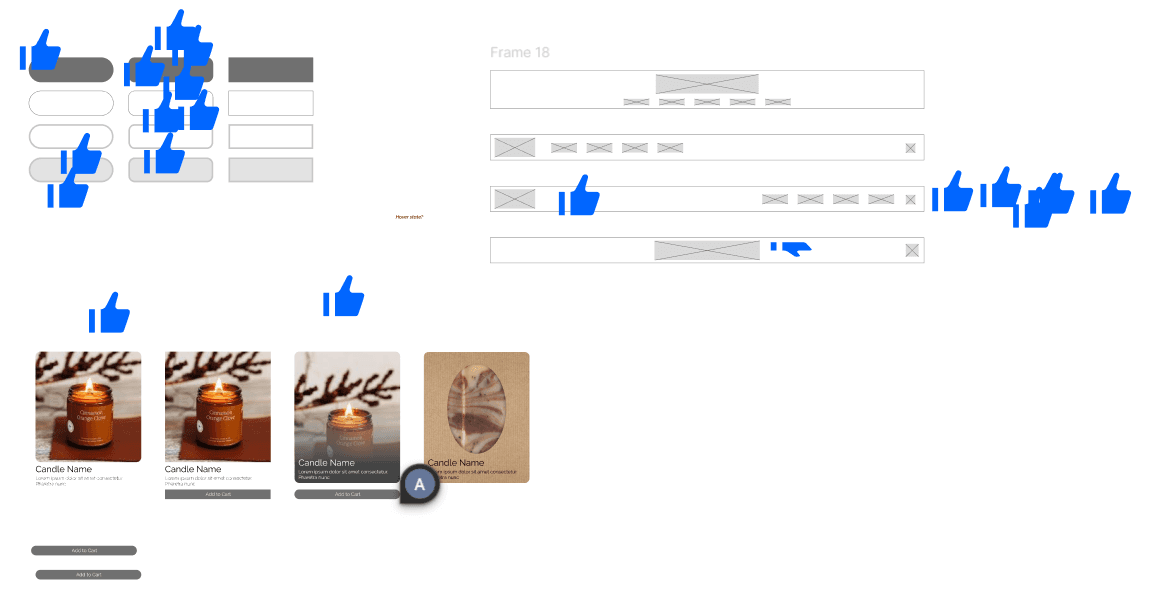
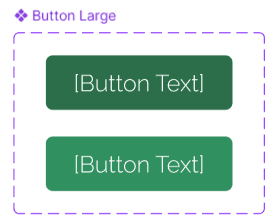
About: Built a design system in Figma using styles, variables, and components to ensure consistency and scalability across our designs. The design system includes color scheme, font family, UI components, and spacing/sizing guidelines.
Rationale: The team only meets for one hour per week for 6 weeks. Efficiently using our meeting time was crucial to pacing the project. A design system allowed all themes and components to be accessed by the entire team within just a few clicks -- much better than having everyone design everything from scratch. Additionally, some students have never used a design system before. It was beneficial to give these students a first time experience with a scalable design solution.

Week 5 and 6: More Prototype
Prototyping
Team Activity: Designed each page based on our sitemap, using the design system to style and structure the UI.
Design System
About: Built a design system in Figma using styles, variables, and components to ensure consistency and scalability across our designs.
Rationale: The team only meets for one hour per week for 6 weeks. Efficiently using our meeting time was crucial to pacing the project. A design system allowed all themes and components to be accessed by the entire team within just a few clicks -- much better than having everyone design everything from scratch. Additionally, some students have never used a design system before. It was beneficial to give these students a first time experience with a scalable design solution.